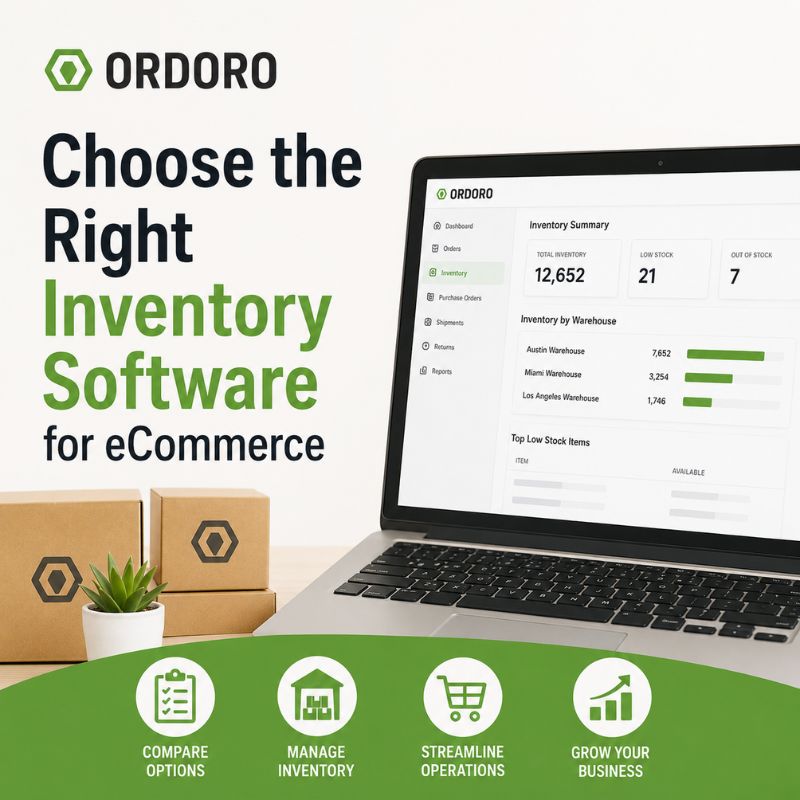
Update: We originally published this article in 2012 to compare several inventory software choices available to small businesses. The options have changed considerably since then. Today, merchants can choose from spreadsheets, built-in storefront tools, dedicated platforms, connected order management systems, and larger ERP solutions. Choosing the right inventory management software for eCommerce depends on how the business sells, purchases, stores, and fulfills inventory.
Inventory software should make stock easier to understand, not create another disconnected system to manage. A small business with one storefront and a limited catalog may only need basic quantity tracking. A multichannel merchant managing purchase orders, multiple warehouses, kits, suppliers, and hundreds of daily orders may need a much more connected platform.
The best inventory management software is not necessarily the system with the longest feature list. It is the one that fits the operation today while giving the business enough room to grow.
Start With Your Current Inventory Process
Before comparing software, document how inventory currently moves through the business. Consider where products are purchased, received, stored, sold, adjusted, returned, and shipped. Identify which employees or systems update quantities and where errors are most likely to occur.
Questions to ask include:
- How many products and variations do you manage?
- How many sales channels sell the same inventory?
- Do you stock products in more than one warehouse?
- How are purchase orders and receiving handled?
- Do you sell kits, bundles, or assembled products?
- Are any orders routed to suppliers or dropshippers?
- How much time is spent reconciling inventory manually?
- Which inventory problems occur repeatedly?
This review helps separate essential requirements from features that may sound useful but do not address the business’s actual needs.
For a broader look at the processes inventory software should support, read our guide to eCommerce inventory management.
Spreadsheets
Spreadsheets are often the first inventory tool used by a small business. They are familiar, inexpensive, and flexible enough to track products, quantities, costs, and supplier details. They may still work when one person manages a small catalog in one location and inventory changes infrequently.
The limitations become more visible as the business grows. Several employees may work from different versions of the file. Quantities may not update when orders arrive. Purchase orders, returns, and transfers may be recorded separately or not at all. A spreadsheet also depends heavily on employees remembering to enter every change correctly.
Signs the business may be outgrowing spreadsheets include frequent stock discrepancies, duplicate files, manual sales-channel updates, unclear adjustment histories, and too much time spent checking whether the numbers are accurate.
Our guide to spreadsheet inventory management explains when a manually maintained system may no longer be enough.
Built-In Storefront Inventory Tools
Most eCommerce platforms include basic inventory features. These tools can work well for merchants selling through one store with a straightforward catalog and fulfillment process. A storefront may track available quantities, reduce stock after a sale, and prevent customers from purchasing products that are unavailable.
The challenge begins when the storefront is no longer the only place inventory needs to be managed. The business may add Amazon, eBay, wholesale orders, retail locations, another branded store, or a second warehouse. Built-in tools may also have limited support for purchasing, supplier management, kits, warehouse transfers, or complex fulfillment.
Merchants should ask whether the storefront remains the operational center of the business or whether it has become only one of several sales channels drawing from shared inventory.
Dedicated Inventory Management Software
Dedicated inventory software provides more control than a spreadsheet or basic storefront tool. It may support purchasing, receiving, stock adjustments, warehouse locations, reporting, and replenishment. This can be a good fit for businesses that have outgrown basic quantity tracking but do not need a full enterprise system.
However, inventory should not be evaluated in isolation. A platform may manage quantities well but create extra work if orders, shipping, and tracking remain in separate systems. Before choosing a dedicated inventory platform, review how it connects with:
- Your storefronts and marketplaces
- Shipping and fulfillment tools
- Accounting software
- Suppliers and purchase orders
- Warehouses or 3PLs
- Returns and customer-service workflows
Review Ordoro’s integrations to see the sales channels, carriers, suppliers, and business systems that can connect with the platform.
Connected Order and Inventory Management Systems
Many growing eCommerce businesses need inventory and order management to work together. When an order arrives, the system should identify the products sold, reduce available inventory, route fulfillment, and keep the original sales channel updated. When stock is received or adjusted, those changes may need to flow back to connected storefronts and marketplaces.
A connected system can reduce the need to move information manually between several applications. Ordoro’s inventory management tools help merchants manage stock, purchase orders, goods receipts, warehouses, kits, and multichannel inventory alongside order and fulfillment workflows.
This type of platform may be a strong fit when the business:
- Sells through several channels
- Shares inventory across storefronts
- Manages multiple warehouses
- Creates kits or bundles
- Uses internal and supplier fulfillment
- Needs purchasing connected to current stock
- Wants inventory and shipping teams working from the same orders
For businesses managing several sales channels, our guide to multichannel order management explains why orders, inventory, shipping, and tracking need to remain connected.
ERP Systems
Enterprise resource planning systems can support inventory alongside accounting, manufacturing, procurement, finance, human resources, and other parts of the organization. An ERP may be appropriate for a larger or more complex company with extensive manufacturing, financial, compliance, or international requirements.
It may be more system than a growing eCommerce merchant needs. ERP implementations can require significant time, expense, customization, and internal resources. Businesses should avoid choosing one simply because it appears to be the most advanced option.
The goal is to select enough software for the operation without creating unnecessary cost and complexity. A merchant that needs connected inventory, purchasing, orders, and shipping may be better served by a focused eCommerce operations platform than a broad enterprise system.
Features to Compare
Once you understand which category of inventory management software for eCommerce fits the business, compare how each platform handles the workflows that matter most.
Sales channel integrations
Confirm that the software connects with the storefronts and marketplaces the business currently uses. Also consider channels you may realistically add later.
Inventory synchronization
Understand how quickly quantities update, which system controls the available quantity, and how the platform handles failed or delayed updates.
Multiple warehouses
Look beyond whether the software supports more than one location. Ask how it manages warehouse-level availability, transfers, allocation, and order routing.
Purchase orders and receiving
The system should help the team understand what was ordered, what arrived, what remains open, and when received stock becomes available.
Kits and bundles
Merchants selling kits should confirm that component inventory adjusts correctly when the finished kit is sold.
Reporting and history
Inventory reports should help explain current quantities, low-stock items, adjustments, purchasing activity, and movement over time.
Automation
Automation can help route orders, update quantities, apply tags, and reduce repetitive work. Make sure employees can still identify exceptions that require attention.
User access and support
Consider how many employees need access, what permissions are available, how training works, and whether reliable support is included.
Common Inventory Software Mistakes
The wrong choice is not always caused by selecting a poor product. It may come from evaluating the product against the wrong requirements. Common mistakes include:
- Choosing primarily by price
- Buying more software than the business needs
- Ignoring integration limitations
- Assuming every platform handles kits the same way
- Failing to test real receiving and fulfillment workflows
- Overlooking implementation and training requirements
- Not deciding which system owns the inventory quantity
- Expecting software to fix inconsistent warehouse procedures automatically
A demonstration should reflect the business’s actual operation. Ask the provider to show how the system handles a representative order, purchase order, stock receipt, adjustment, kit, split shipment, or warehouse transfer.
Does Your Business Need an Inventory Manager Too?
Software creates structure and visibility, but someone still needs to own the process. As inventory becomes more complex, the business may need a person responsible for receiving standards, cycle counting, replenishment, adjustments, supplier activity, and overall accuracy.
Our guide to hiring an eCommerce inventory manager explains the signs that inventory may need a clearer owner. The inventory manager and the software serve different purposes. The person manages the process, while the system provides the information and tools needed to carry it out consistently.
Inventory Management Software FAQs
What is the best inventory software for a small eCommerce business?
The best option depends on catalog size, sales channels, warehouses, purchasing needs, fulfillment methods, and expected growth. A simple business may only need storefront inventory tools, while a multichannel merchant may need connected inventory and order management.
When should a business move beyond spreadsheets?
It may be time when several people update inventory, quantities frequently disagree, orders come from multiple channels, or employees spend too much time reconciling files manually.
Does inventory software prevent overselling?
It can reduce overselling by updating available quantities across connected channels. Results still depend on accurate product records, reliable integrations, and consistent inventory processes.
Should inventory and order management be in the same system?
For many eCommerce businesses, connecting them reduces manual updates and gives fulfillment, purchasing, and customer-service teams a more consistent view of each order and product.
Choose Inventory Software That Fits Your Operation
Inventory management software for eCommerce should support how the business actually purchases, receives, stores, sells, and fulfills products. Ordoro helps eCommerce businesses track inventory, manage purchase orders, support multiple warehouses, create kits and bundles, and keep stock connected with orders and sales channels.
Businesses can compare Ordoro’s Shipping, Inventory, and Dropshipping options on the apps and pricing page.
Ready to see how inventory, orders, and fulfillment can work together in one platform? See How Ordoro Works